INQON — training and food in one journal, with an optional AI assistant.

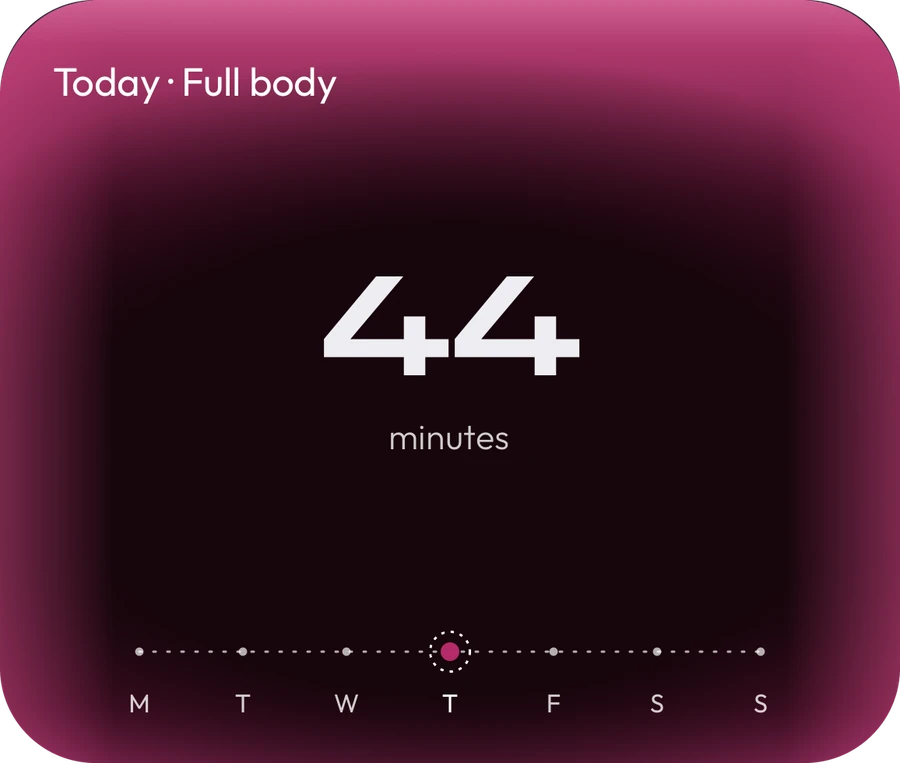
The Today card: a 44-minute full-body session and the week as a line of dotsThe Today card: a 44-minute full-body session and the week as a line of dots
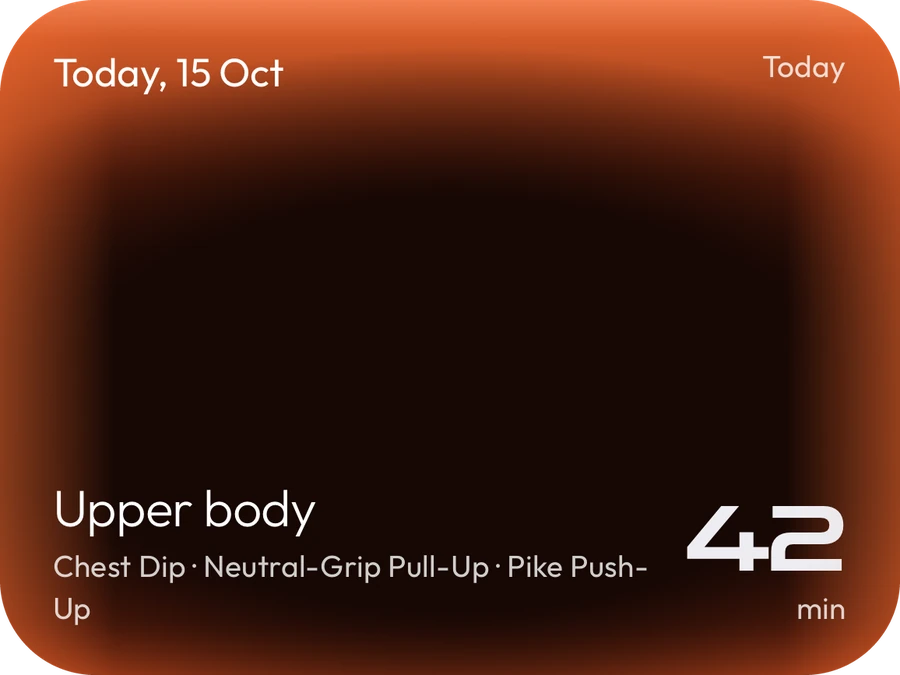
The Training card: today’s upper-body session, 42 minutes, with chest dips, neutral-grip pull-ups and pike push-upsThe Training card: today’s upper-body session, 42 minutes, with chest dips, neutral-grip pull-ups and pike push-ups
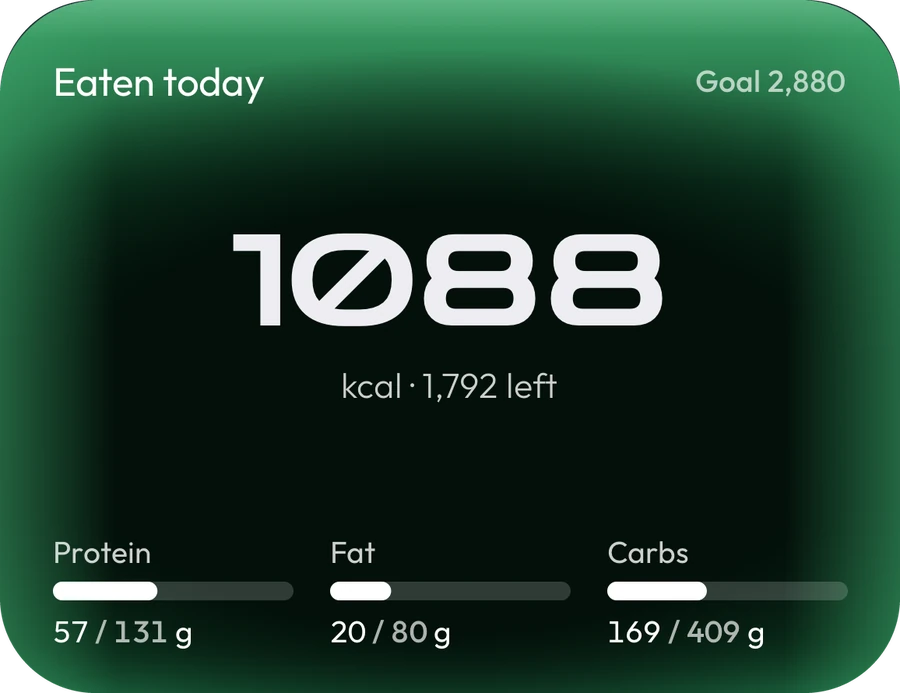
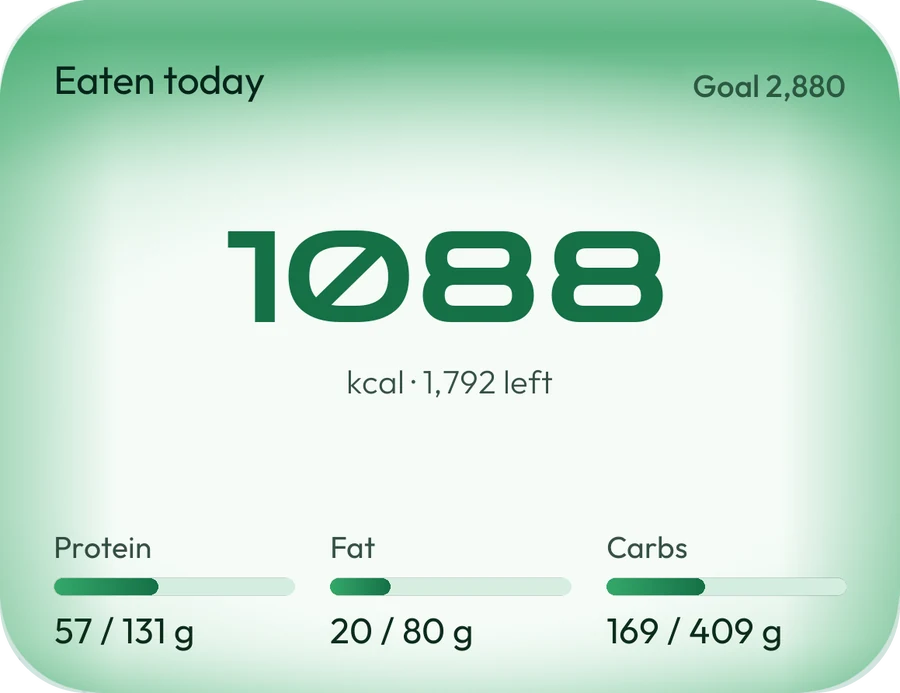
The Food card: 1,088 kcal eaten today, with bars for protein, fat and carbsThe Food card: 1,088 kcal eaten today, with bars for protein, fat and carbs
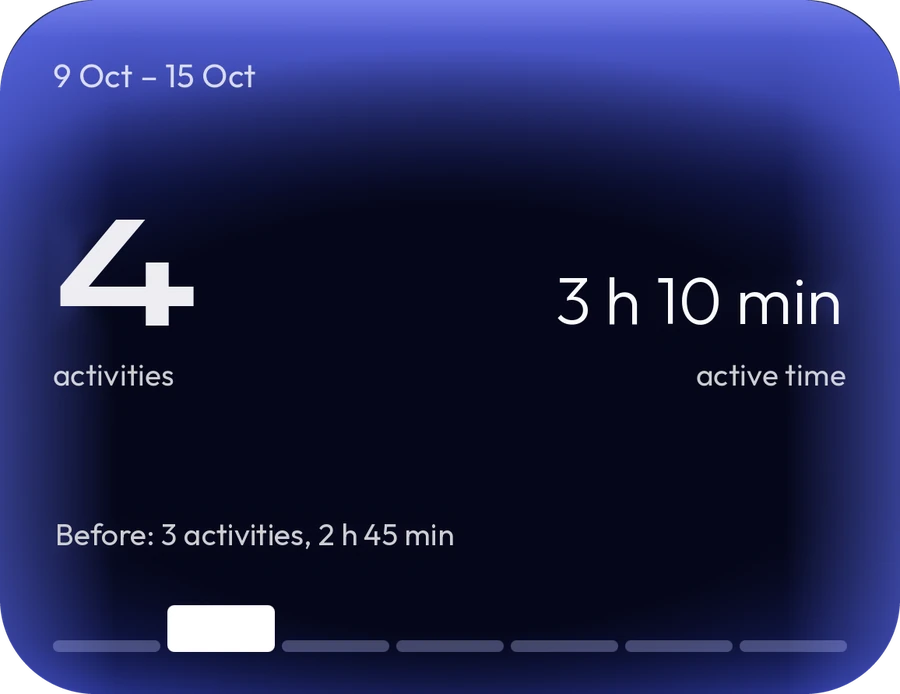
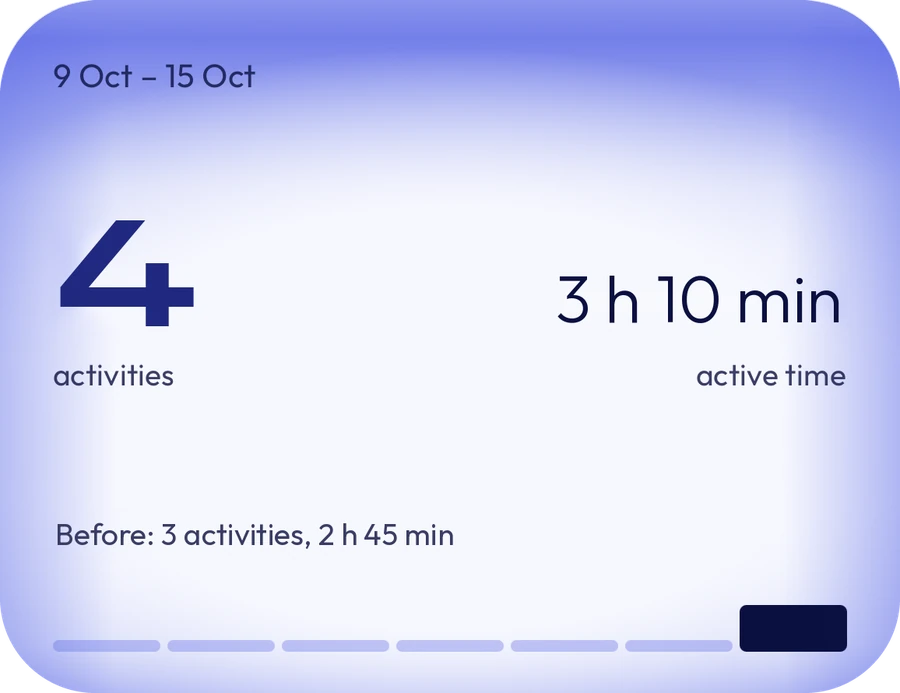
The Progress card: four activities and 3 hours 10 minutes of active time this week, up from three activities the week beforeThe Progress card: four activities and 3 hours 10 minutes of active time this week, up from three activities the week before
01 — PLAN

A plan that knows your week.

A few short questions, and a programme built around your goal, your days and your kit. Move or swap a session when life happens, or start with food alone and add a plan later.

Join the Beta
WHY INQON

Why INQON?

Training and food in one journal, on four screens with one colour each: burgundy for your plan, orange for training, green for food, blue for progress. Learn them once — find everything after.

Today screen: the session of the day, the plan so far, weight, movement breaks and the Ask INQON bar Today screen: the session of the day, the plan so far, weight, movement breaks and the Ask INQON bar
01Today

Your day at a glance

Today’s session, your week, your weight and movement breaks — what to do next, on one screen.

Training screen: the week’s plan and today’s session with its exercises Training screen: the week’s plan and today’s session with its exercises
02Training

A plan that bends

Built around your goal, your days and your kit. Life happens? Drag a session to another day.

Food screen: calories and macros eaten today, and the day’s meals Food screen: calories and macros eaten today, and the day’s meals
03Food

Food that knows your training

Training and food in one journal: your food goal follows how much you train.

Progress screen: the week’s activities and active time, each sport on its own, and the past twelve weeks Progress screen: the week’s activities and active time, each sport on its own, and the past twelve weeks
04Progress

See it working

Every activity, your active time and twelve weeks of effort, sport by sport.

HOW IT WORKS

How it works.

Each screen as the app’s own introduction shows it: let it play, or step through at your own pace. The numbers belong to one made-up person.

BURGUNDY · TODAY

Your day, planned

Today’s session leads the screen, with your week along the bottom — a dot for each day, filled once it’s done. Start begins the planned session or a workout of your own: gym, run, ride or walk, with the route recorded. Ask INQON sits above the tabs on every main screen, for your training, your food or your week.

The assistant: three questions a week free, more with Pro.

ORANGE · TRAINING

Train and log it

Your plan a week at a time, or the whole month — hold a day and drag it onto another to move a session. In the workout every set has its own line, with last time’s numbers above it and Swap for another exercise. Tick a set and the rest timer starts, and buzzes when the rest is up. Hands full? Tell the assistant, and it adds the set for you.

Recording is always free. Running and riding plans are Pro.

GREEN · FOOD

Eat with a goal

Your day against your goal: the calories in the middle, and protein, fat and carbs, each with its own bar. Tap + on a meal to add to it — search, your own food or quick add, or scan a barcode, read a label or photograph the plate. Or tell the assistant: it can add a food for you, or build a dish you cook from its ingredients.

The three scans are Pro. Nothing the assistant suggests goes into your diary until you confirm it, unless you turn on adding without asking.

BLUE · PROGRESS

See how far you’ve come

Everything you did in the period — the activities, the active time, and the period as a row of bars — for all of it, or just gym, run, cycling or walking. Swipe the card for your weight: the latest, the change and the trend, with body measurements to compare between two dates. History keeps every activity, newest first.

The week and the month are free; the year and all time are Pro.

FREE TO TRY · MORE WITH PRO

An assistant that does the logging.

Not just answers — the assistant does the logging for you. Ask from the bar above the tabs or from inside a workout, in your own words; it works from a short summary of your journal, no screenshots, no copying into other apps.

  • Adds food to your meals. “150 g buckwheat for lunch” — it finds the food, works out the calories and macros, and puts it in the right meal.
  • Counts the dish you’re cooking. Tell it the ingredients as you go; it adds them up, saves the dish and remembers it for the next portion.
  • Logs your training. Adds sets and exercises to the workout you’re in, fixes a set in it, records a run or a gym session you forgot.
  • Keeps the rest up to date — your weight, a movement break — and reviews your latest session and the week’s food in plain words.

Every change shows on a card first — you confirm it, and can undo it. A setting lets new entries go straight in, still with Undo. Three questions a week free, much more with Pro. General guidance, never medical advice.

Ask INQON: dinner asked for in plain words; the assistant puts the pasta on a card, offers the turkey to choose from and asks about the salad Ask INQON: dinner asked for in plain words; the assistant puts the pasta on a card, offers the turkey to choose from and asks about the salad
COMING SOON

INQON for Coaches

A web workspace for coaches is on the way: plan your clients’ training and follow their food, only with their permission. Want to help shape it? Get in touch.

Apply for Early Access
NEW

Your workout is an hour. Your day is sixteen.

INQON keeps you moving between sessions too. Tell it when you work and pick a rhythm — every 30, 45 or 60 minutes. When it’s time, a quiet nudge suggests a short move: a walk, the stairs, a few squats. Tap Done or Later. Each break becomes a dot on your Today screen, and a skipped one is simply skipped — no guilt, nothing to lose.

Off until you switch it on · Quiet hours respected · Free for everyone, smarter moves with Pro

Always IN. Always ON.

Join the Beta